
Guide
BenBen TV Buffering? Fix Stalls, Freezes, and Slow Streams
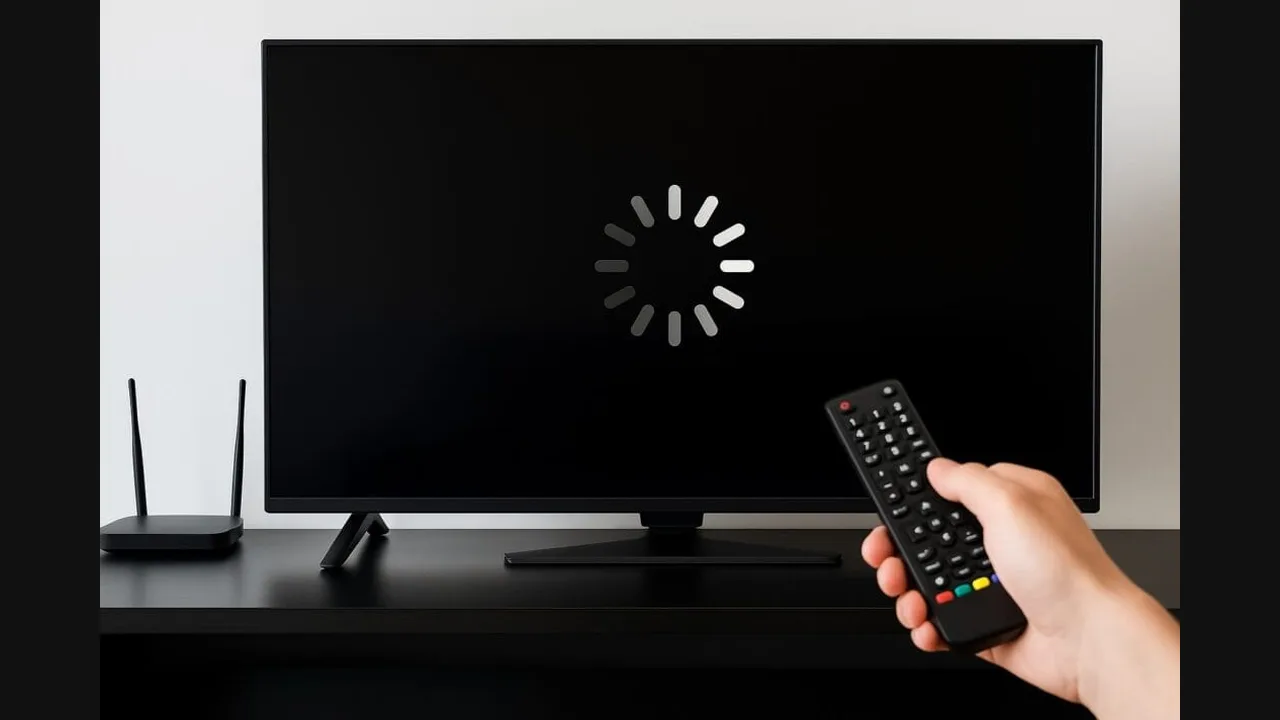
BenBen TV buffering is usually a connection or source problem. Test the demo playlist first: if it plays, your link or source is the cause. If it stalls too, fix the connection.
 By Marcus Bell, Streaming App Reviewer
CONTENTS On this page
Test With the Demo
Start every buffering investigation with the demo playlist. If the demo plays smoothly and your link stalls, the player and the connection are fine, and the fault sits with your link or its source. If the demo stalls too, the connection or the device is the cause, and the fixes below apply.
The BenBen TV official site guide uses the demo this way in every fix article, because a test that separates player problems from link problems saves half the troubleshooting time at once.
Fix the Connection
Switch to Wi-Fi when you can, move closer to the router, and close other video apps that share the connection. A stream needs a steady flow, not just a fast peak speed, so a connection that tests fast but drops often will still stall video. Let the stream settle for a few seconds after it starts before judging it.
If the whole phone feels slow, restart the app and try again. A fresh app start clears a stuck buffer state, and the not playing guide covers the link checks to pair with this step.
Judge the Source
Some sources serve streams weakly, whatever player or connection you use. If one source always stalls while others play, the source is the limit, and no player setting fixes it. Try the same stream at a quieter time, or use a link from a source that serves more reliably.
For long viewing, prefer Wi-Fi and a charged phone. A phone saving battery may throttle playback in the background, and a stream that stalls only when the battery is low is telling you about power saving, not about BenBen TV. The data and battery guide covers those settings.
Buffering in Short
Demo test first, connection second, source third. A demo that plays clears the player, a Wi-Fi switch clears most stalls, and a source that always stalls is a source to replace.
Quick Answers
Why does the player buffer on mobile data but not Wi-Fi?
Because mobile data varies more than Wi-Fi. A stream needs steady flow, and a varying connection stalls even when its peak speed looks high.
Does lowering quality help buffering?
The player plays the stream its link serves. If the source offers a lighter stream, that link will stall less on a weak connection.
Should I reinstall to fix buffering?
Only after the demo test and the connection checks. Reinstalling fixes the player, and buffering is rarely a player fault.